
How to Delete Duplicate Photos on iPhone in 2026 (Fast & Easy)
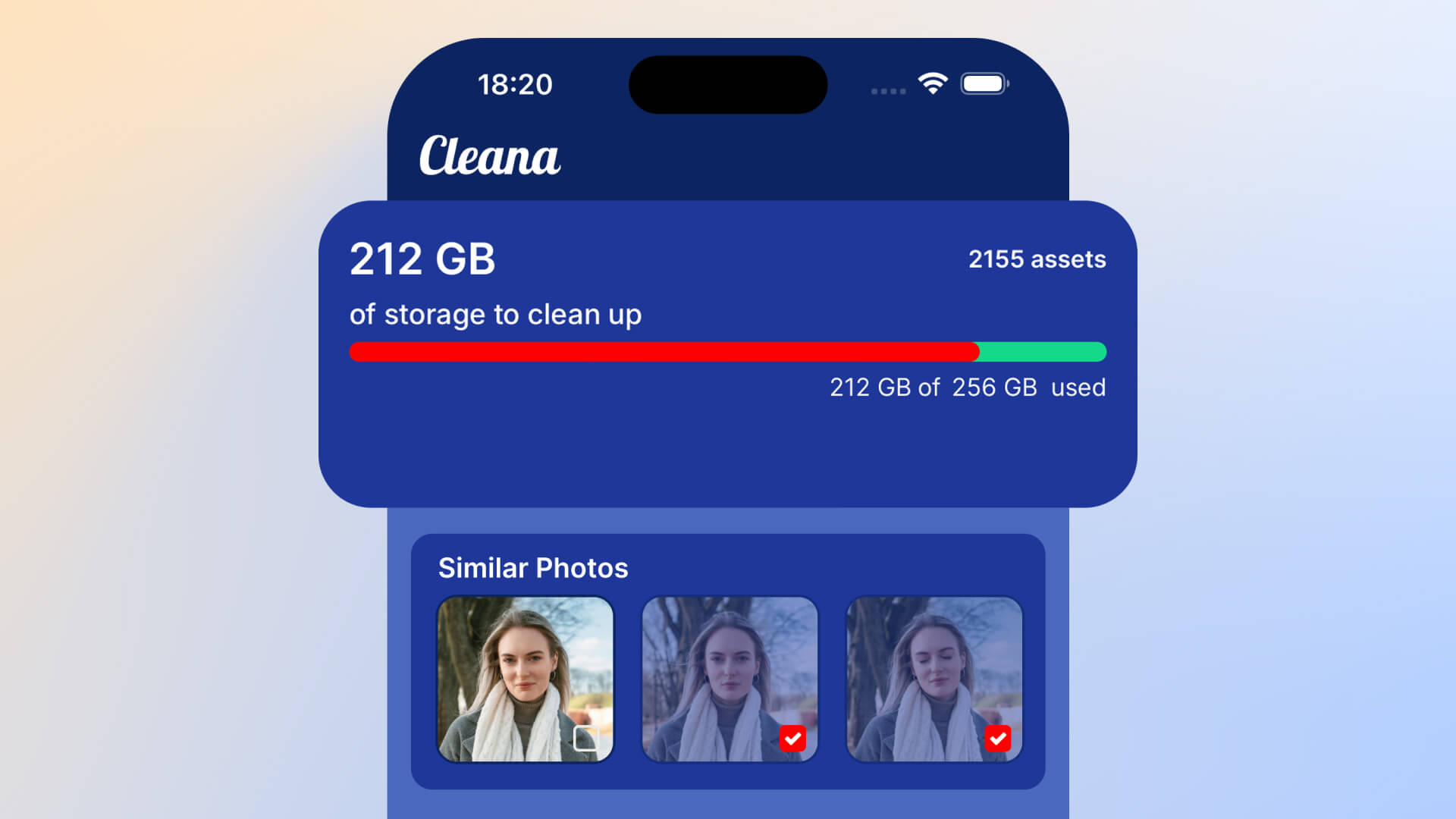
Running out of iPhone storage? Duplicate photos are one of the biggest culprits. Every time you take burst shots, sync from another device, or restore from backup, you end up with identical copies eating up valuable space. Here's how to find and delete duplicate photos on your iPhone quickly and safely.
Why duplicate photos accumulate on your iPhone
Duplicate photos happen for several reasons:
- Burst mode: Taking multiple shots creates near-identical copies
- iCloud sync issues: Photos get duplicated during syncing
- Backup restores: Old backups can create duplicate images
- Downloaded photos: Saving photos from messages or social media multiple times
- Third-party apps: Photo editing apps often save copies
These duplicates can consume gigabytes of storage space without you realizing it.
Method 1: Manual deletion (time-consuming)
You can manually scroll through your Photos app and delete duplicates one by one. However, with thousands of photos, this method is impractical and you'll likely miss many duplicates.
Method 2: Use iOS built-in duplicate detection (limited)
iOS 16 and later includes a basic duplicate detection feature:
- Open the Photos app
- Go to Albums
- Scroll down to find "Duplicates" album
- Review and merge duplicates manually
Limitation: This only finds exact duplicates, not similar photos that are nearly identical. It also can't analyze which version is better quality.
Method 3: AI-powered duplicate photo finder (recommended)
The fastest and most effective way to delete duplicate photos is using an AI-powered app like Cleana. Here's how it works:
Step 1: Scan your photo library
Cleana scans your entire photo library in seconds, identifying both exact duplicates and similar photos that look nearly identical.
Step 2: AI selects the best version
Advanced AI analyzes each photo group based on:
- Image sharpness and clarity
- Proper focus and exposure
- Face detection and expressions
- Composition and framing
The best quality photo is automatically highlighted for you to keep.
Step 3: Swipe to delete or keep
Review the suggestions with an intuitive swipe interface. Swipe right to keep your favorite, swipe left to delete the duplicates. You're always in control of what gets deleted.
Step 4: Free up storage instantly
Once you confirm, duplicates are permanently deleted and storage space is immediately freed up. Most users recover 5-15GB on their first cleanup.
Why Cleana is the best solution for duplicate photos
- 100% offline: Your photos never leave your device. No cloud upload required.
- AI-powered analysis: Finds both exact duplicates and similar photos
- Quality detection: Automatically identifies the best version to keep
- Fast scanning: Processes thousands of photos in seconds
- Privacy-first: No internet connection needed, no data collection
- One-tap cleanup: Delete hundreds of duplicates with simple swipes
How much storage can you recover?
Most iPhone users have hundreds of duplicate photos without realizing it. Here's what you can typically expect to free up:
- Light users (1,000-5,000 photos): 2-5GB
- Average users (5,000-15,000 photos): 5-12GB
- Heavy users (15,000+ photos): 15-30GB or more
Best practices to avoid duplicate photos
After cleaning up your duplicates, follow these tips to keep your library organized:
- Review and delete burst photos immediately after taking them
- Avoid saving the same photo multiple times from messages
- Turn off automatic downloads in iCloud settings if you have sync issues
- Run a duplicate cleanup monthly to stay on top of storage
- Use Cleana's quick scan feature regularly (takes less than a minute)
Start deleting duplicate photos today
Don't let duplicate photos waste your valuable iPhone storage. With Cleana's AI-powered duplicate detection, you can free up gigabytes of space in just minutes. The app works completely offline, keeps your photos private, and helps you maintain a clean, organized photo library.
Download Cleana and reclaim your iPhone storage space today.